

Playbook: First 4 Hours of OneDrive or Drive Ransomware
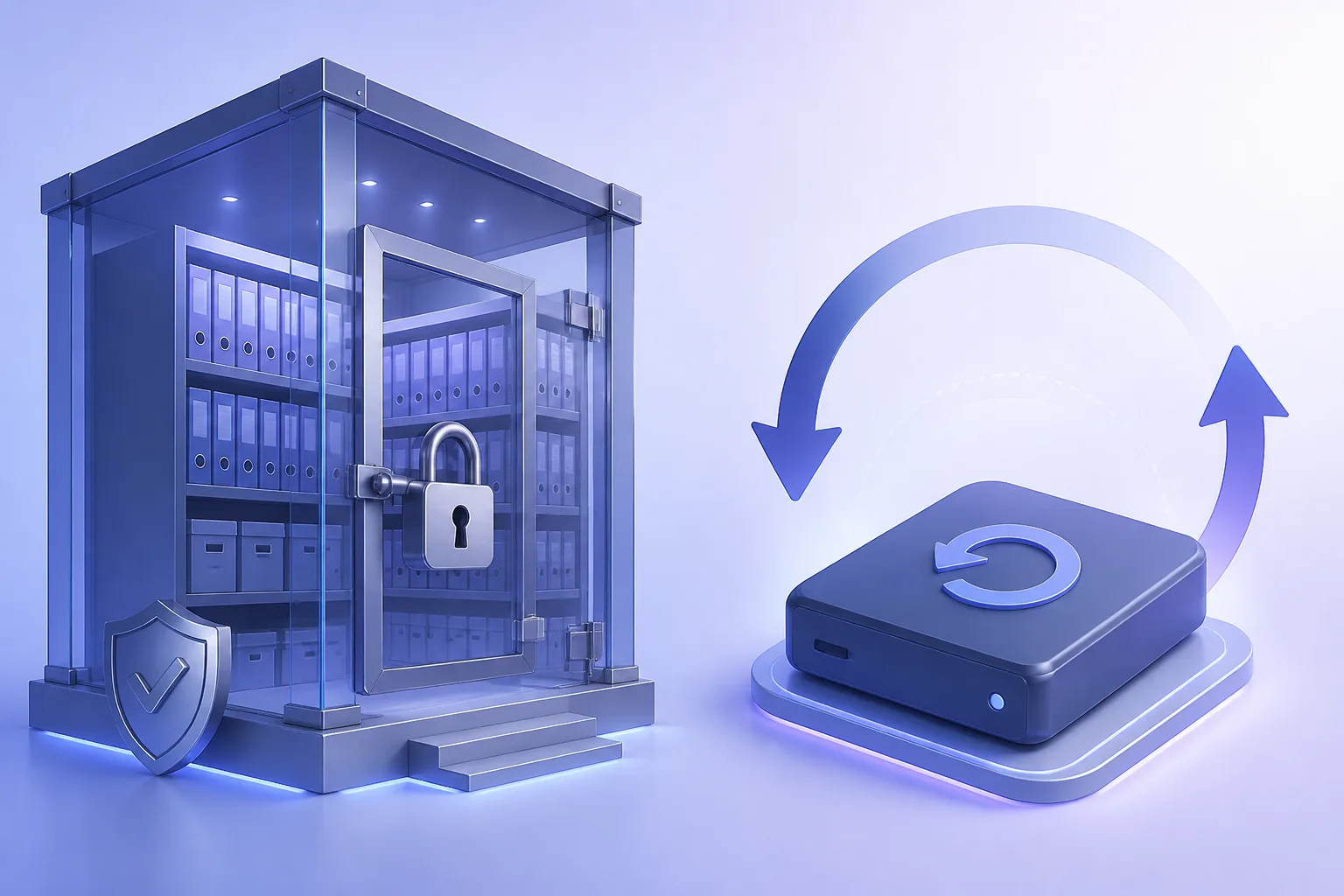
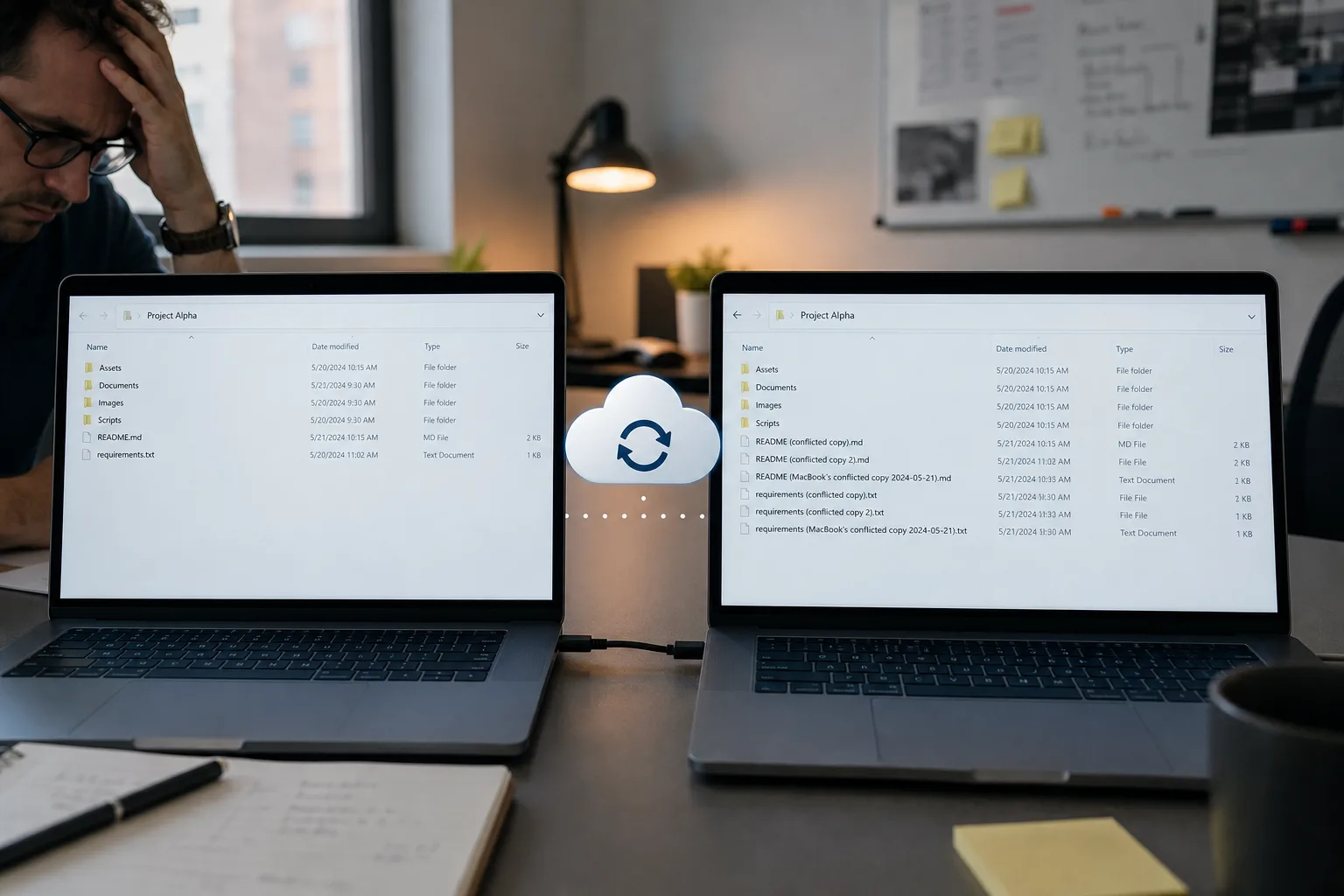
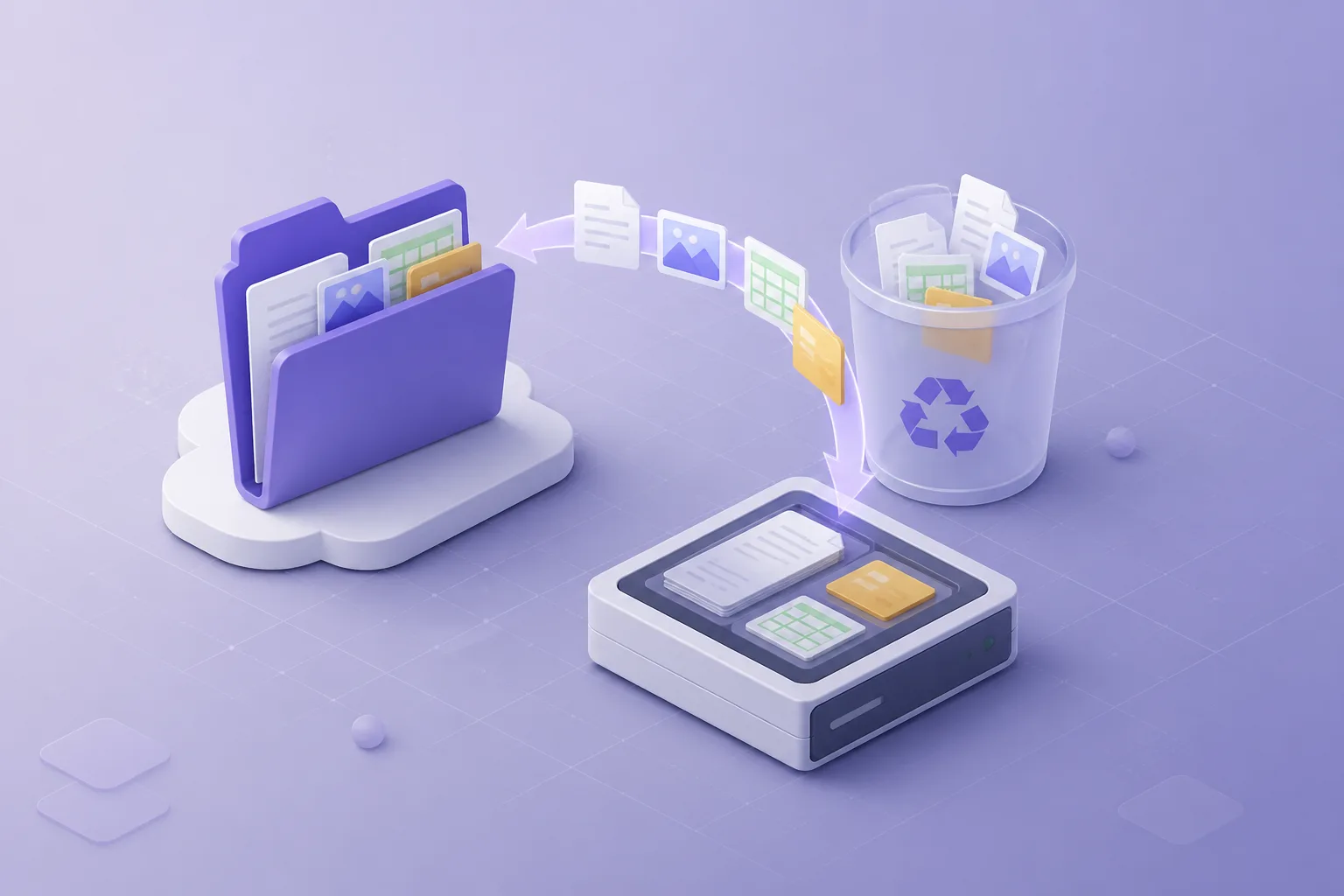
When endpoint malware is encrypting a synced OneDrive or Google Drive folder: isolate the PC, stop the cloud copy from updating, then restore from version history or Recycle Bin to a side path.

Blog
Practical guides on Microsoft 365, Google Workspace, PST import, and restore drills — written for IT leads who need recoverability without surprise SaaS bills.

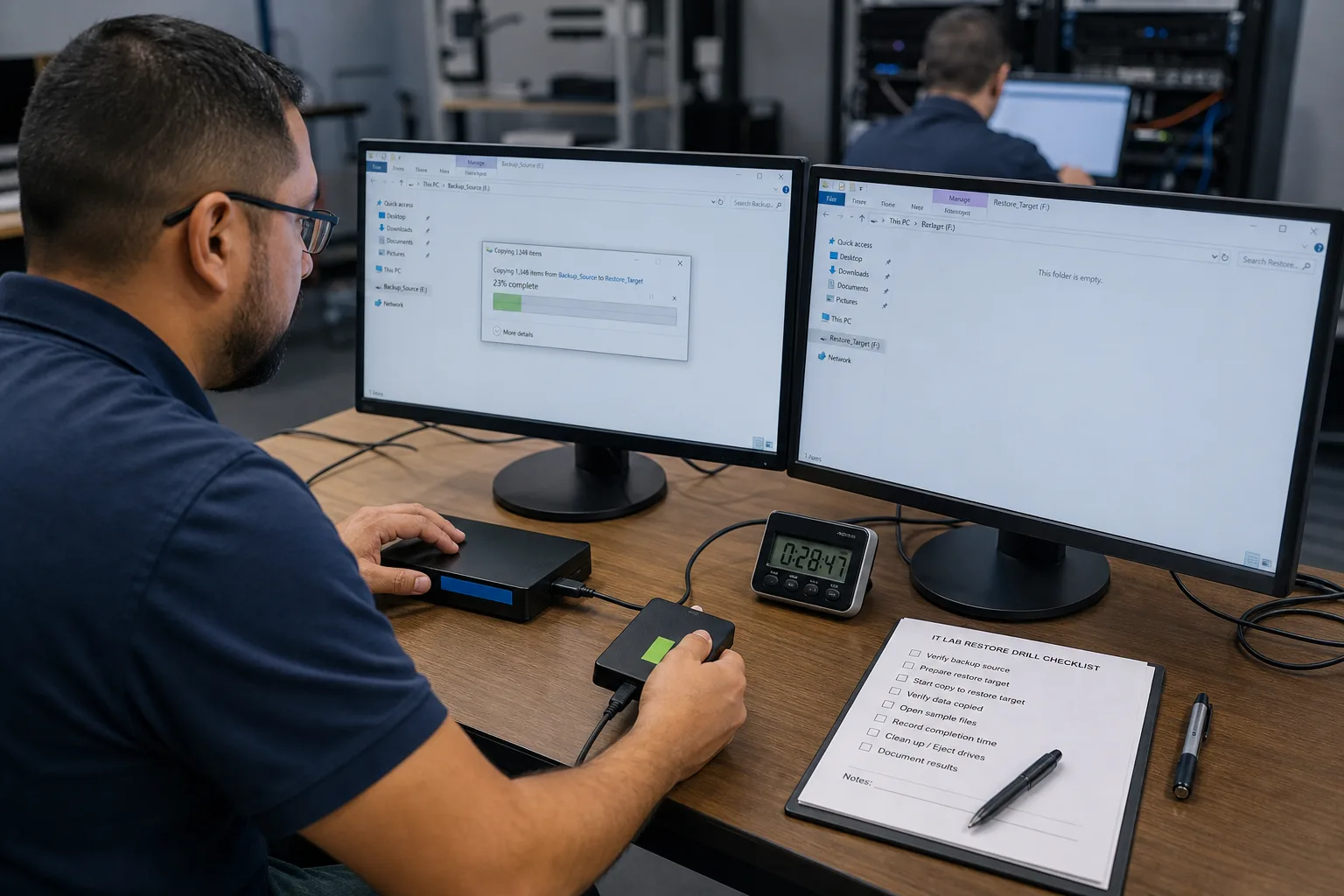
A tabletop-plus-live exercise: pick one folder or mailbox, restore to a side path, open real files, time the work, and write down what broke — without touching production.
33 articles

When endpoint malware is encrypting a synced OneDrive or Google Drive folder: isolate the PC, stop the cloud copy from updating, then restore from version history or Recycle Bin to a side path.

Timed runbook when an entire SharePoint site, document library, or Google Shared Drive is gone — freeze, confirm scope, restore the container, then verify. Do not treat it as a single-file delete.

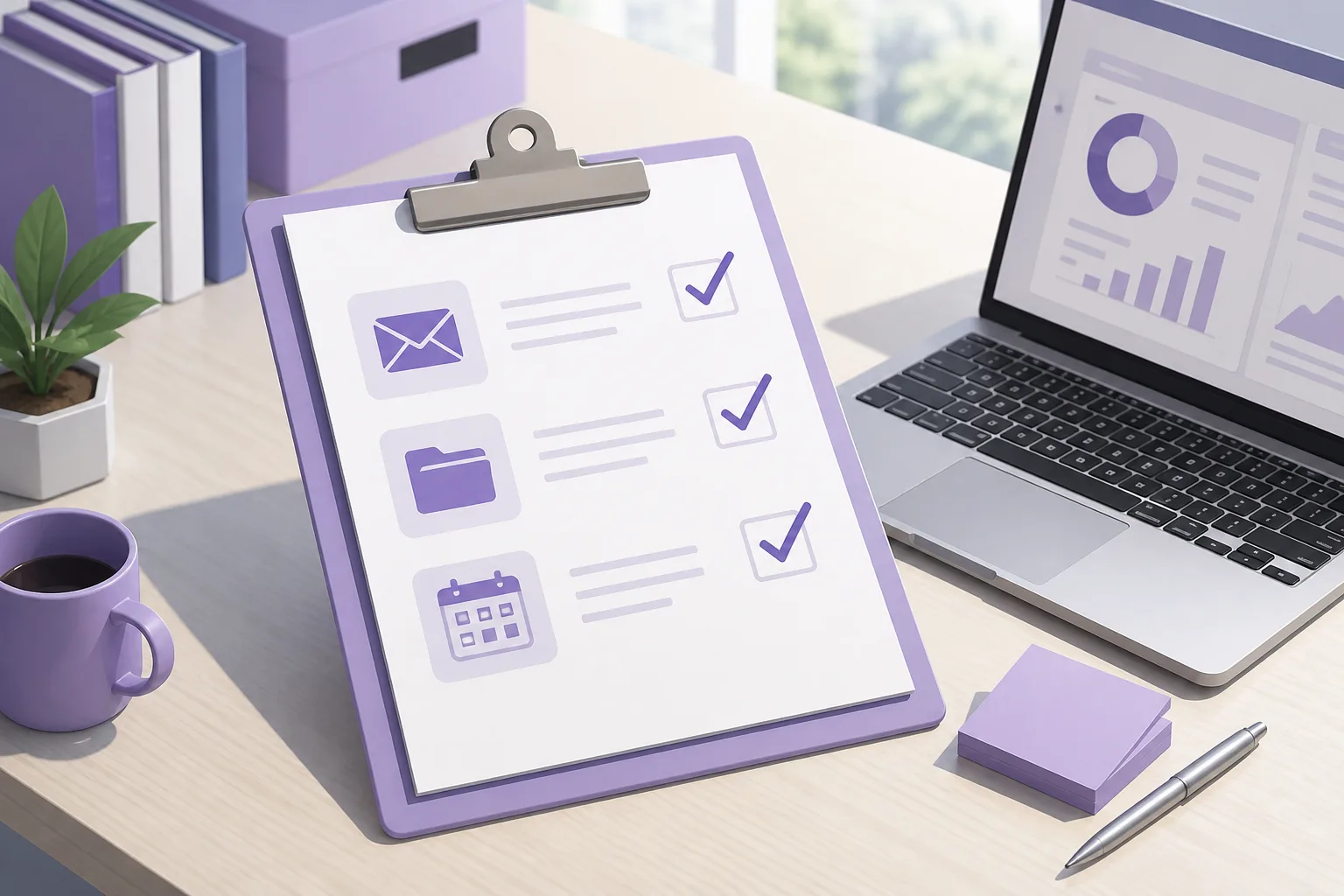
A one-page operational checklist for protecting mail and files across Google and Microsoft — inventory, schedules, restore tests, offboarding, and ownership.

A step-by-step guide to protecting the four Google services SMBs rely on — with local copies, sensible schedules, and restore verification.

Four words IT and legal mix constantly. What each is for, who owns it, and why using Vault or retention as ‘the backup’ fails the first restore test.

Tired of per-user monthly fees for Google backup? See how small Workspace teams build solid protection with local tools, smart retention, and clear restore drills.

A field guide to the objects and relationships that mail and Drive migrations silently drop — so you can plan workstreams instead of discovering gaps on Monday morning.

Compare the true cost of backing up Gmail, Drive, Calendar, and Contacts with recurring per-user SaaS vaults versus a one-time local Google Workspace backup license.

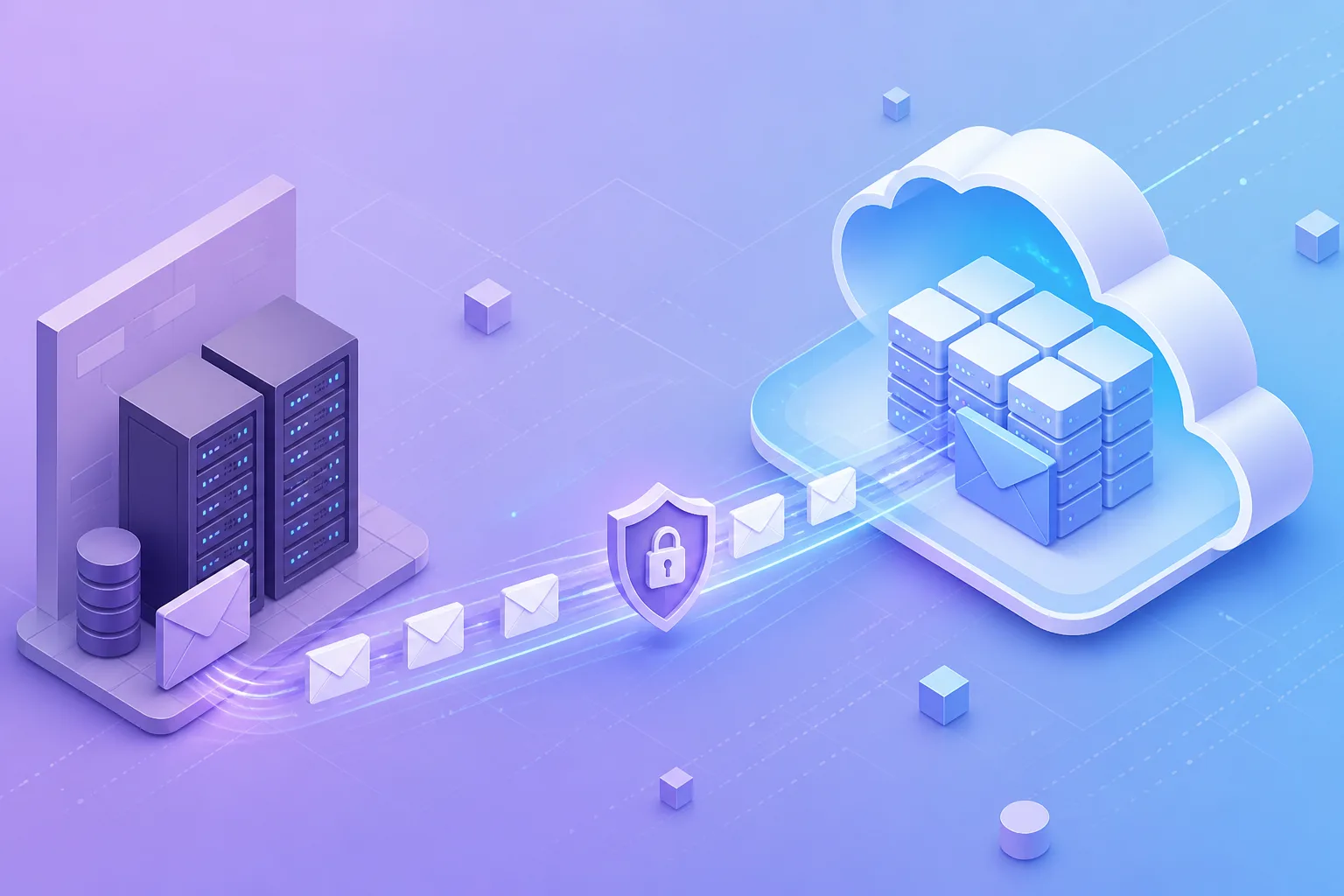
A decision framework for moving mail to Microsoft 365: what each method is for, what downtime looks like, and when IMAP is a last resort rather than a plan.

Understand the difference between Google Vault (eDiscovery and retention) and an independent backup you can restore on your own timeline — without a legal hold workflow.

What is still possible after Trash, Recycle Bin, Recoverable Items, and deleted-user windows expire — and what is genuinely gone without an independent copy.

What happens to Exchange Online mail when HR deletes an account: the deleted-user window, restoring the user vs converting to a shared mailbox, and how Google Workspace compares.

A migration playbook covering inventory, cutover versus staged moves, PST side paths, coexistence, and verification so folders and history survive the switch.

Desktop clients create ‘lost file’ tickets that are really caches, conflict copies, selective sync, or path-length failures. A diagnostic path before you declare data loss.

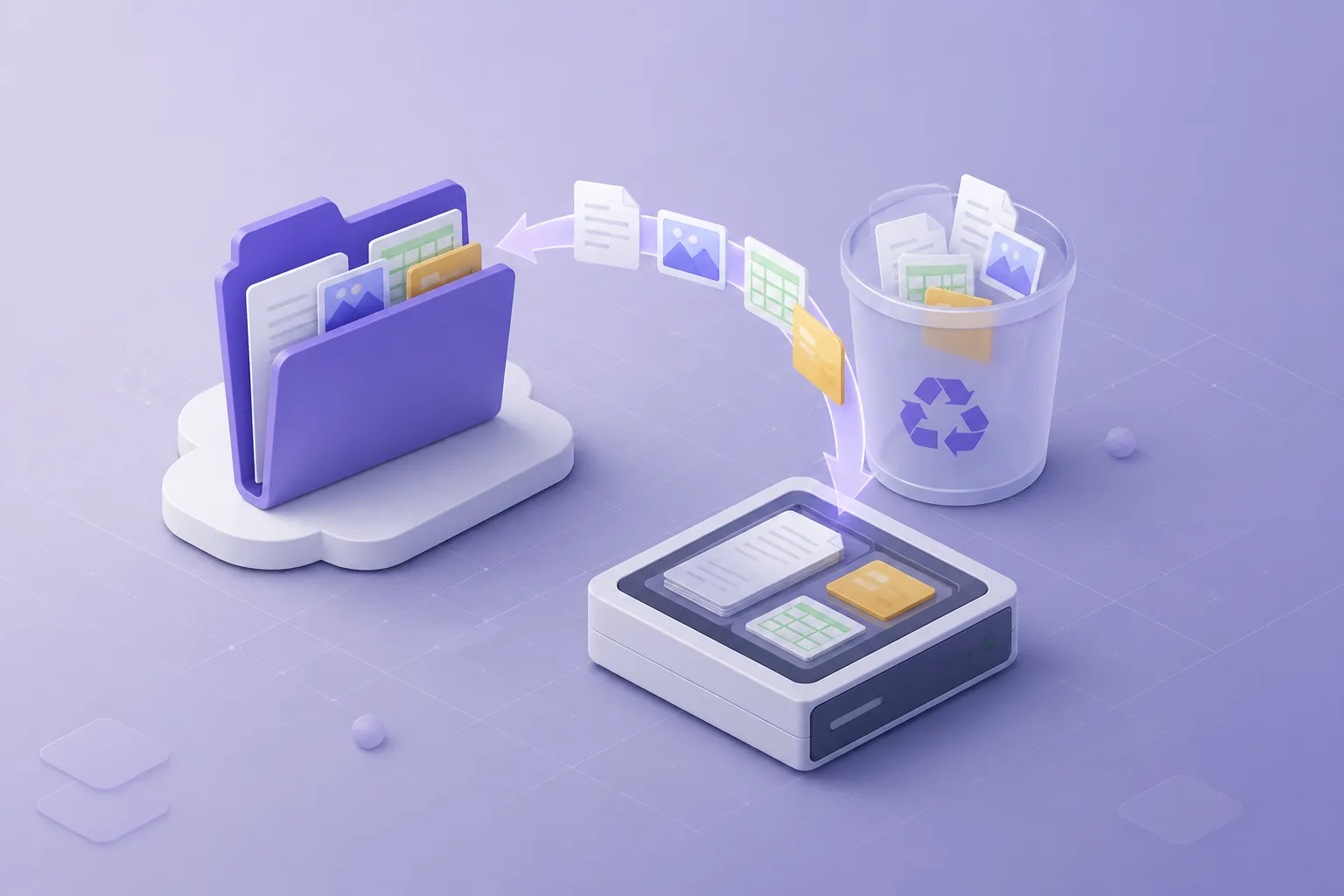
An incident playbook for IT: freeze further damage, classify the loss, use Trash and Recycle Bin correctly, and restore to a side path before you overwrite anything live.

Cloud uptime is not the same as recoverability. Learn how account takeover, synced endpoints, and encrypted laptops still require an independent backup you can restore offline.

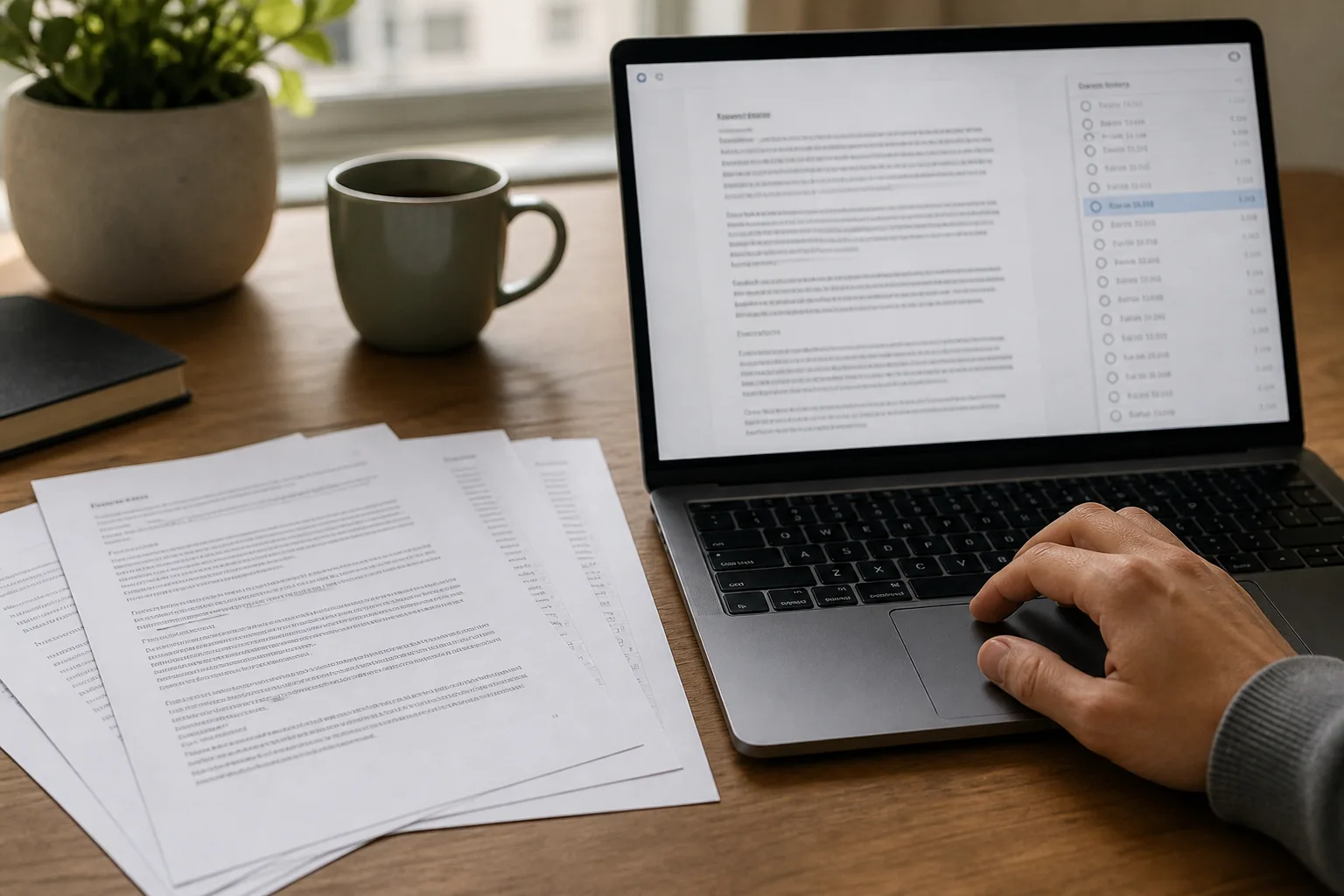
When an overwrite, not a delete, ruined a document: how version history works, where it fails, and how to restore to a side path instead of blindly reverting live files.

A practical map of OneDrive/SharePoint Recycle Bin stages and Exchange Recoverable Items — typical time windows, who can restore, and what those windows are not.

Retention labels, Litigation Hold, and the Recycle Bin reduce some risk — they do not replace an independent mailbox backup with a restore you can rehearse.

Recovery point and recovery time objectives without vendor jargon — how to set them for mail and files, and how they drive backup frequency and restore drills.

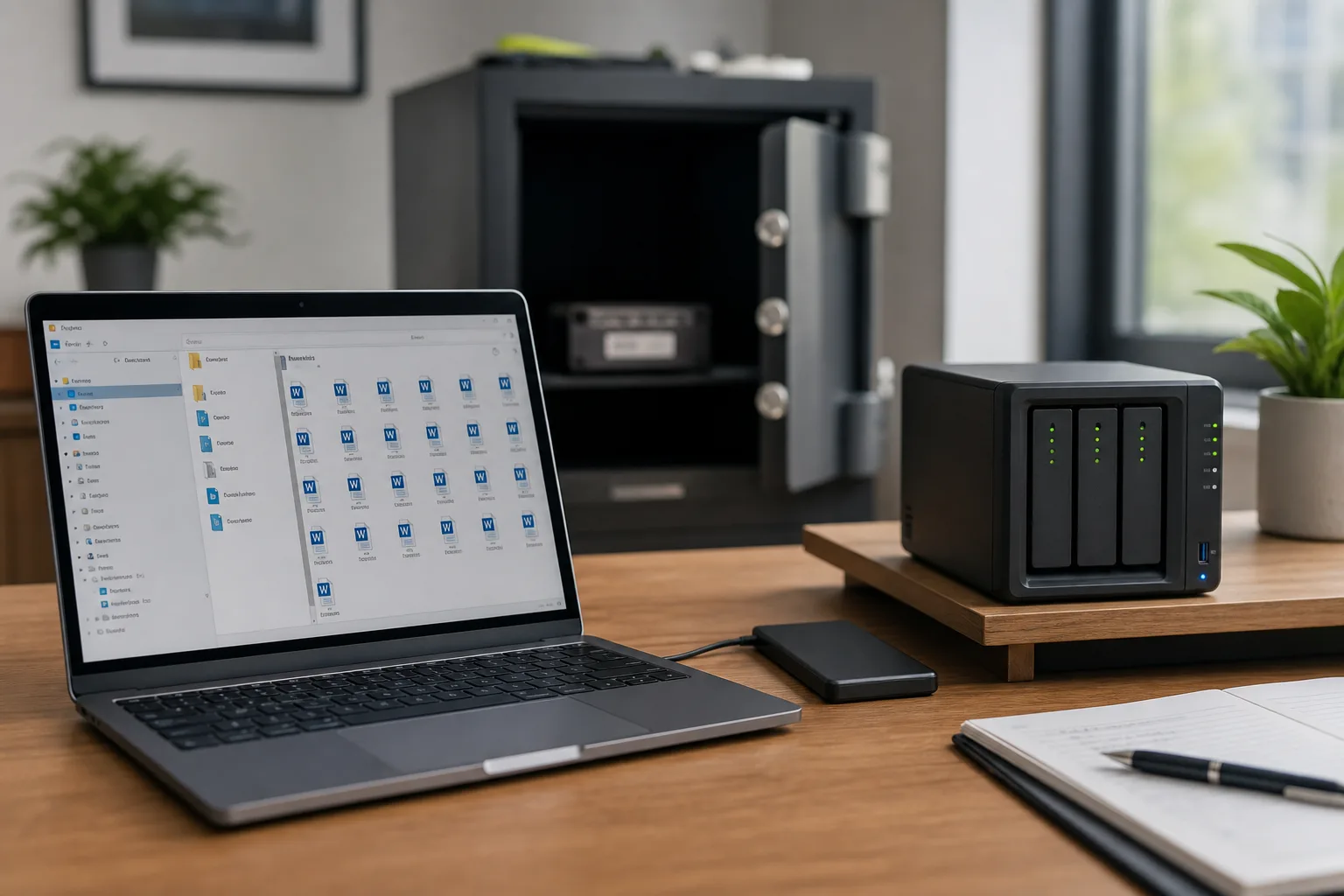
How the classic 3-2-1 rule maps onto cloud mail and files: three copies, two media types, one copy that is not the live tenant — and why SaaS still needs it.

A practical recovery playbook for accidental deletes, sync overwrites, and Shared Drive mistakes — including what Google’s Trash can do and when you need an independent copy.

Learn how to keep an ongoing local backup of Google Drive on Windows — incremental, scheduled, and recoverable — without paying for another cloud vault subscription.

Protect Gmail the right way — preserve label hierarchy, use secure OAuth, and choose export formats that still open years later.

Strategies and best practices to ensure your organization gets the maximum return on investment from Microsoft Office 365 subscriptions.

Essential security measures and best practices to protect your organization's data during email migration projects.

Evaluate Microsoft Teams for enterprise collaboration — chat, meetings, security, and Microsoft 365 integration — so you can decide if it fits your workplace.

Discover the most powerful and underutilized features in Office 365 that can boost productivity and collaboration in your organization.

Learn how to implement robust backup and recovery solutions to protect your critical Office 365 data from accidental deletion, ransomware, and other threats.

A comprehensive comparison of on-premises Exchange Server and cloud-based Exchange Online to help organizations determine the best email solution for their needs.

Learn the essential steps and strategies for a successful Office 365 migration project, from planning to execution and post-migration optimization.

A step-by-step PST import method for Microsoft 365: inventory archives, choose Graph-based tooling, throttle batches, and verify item counts after each mailbox.