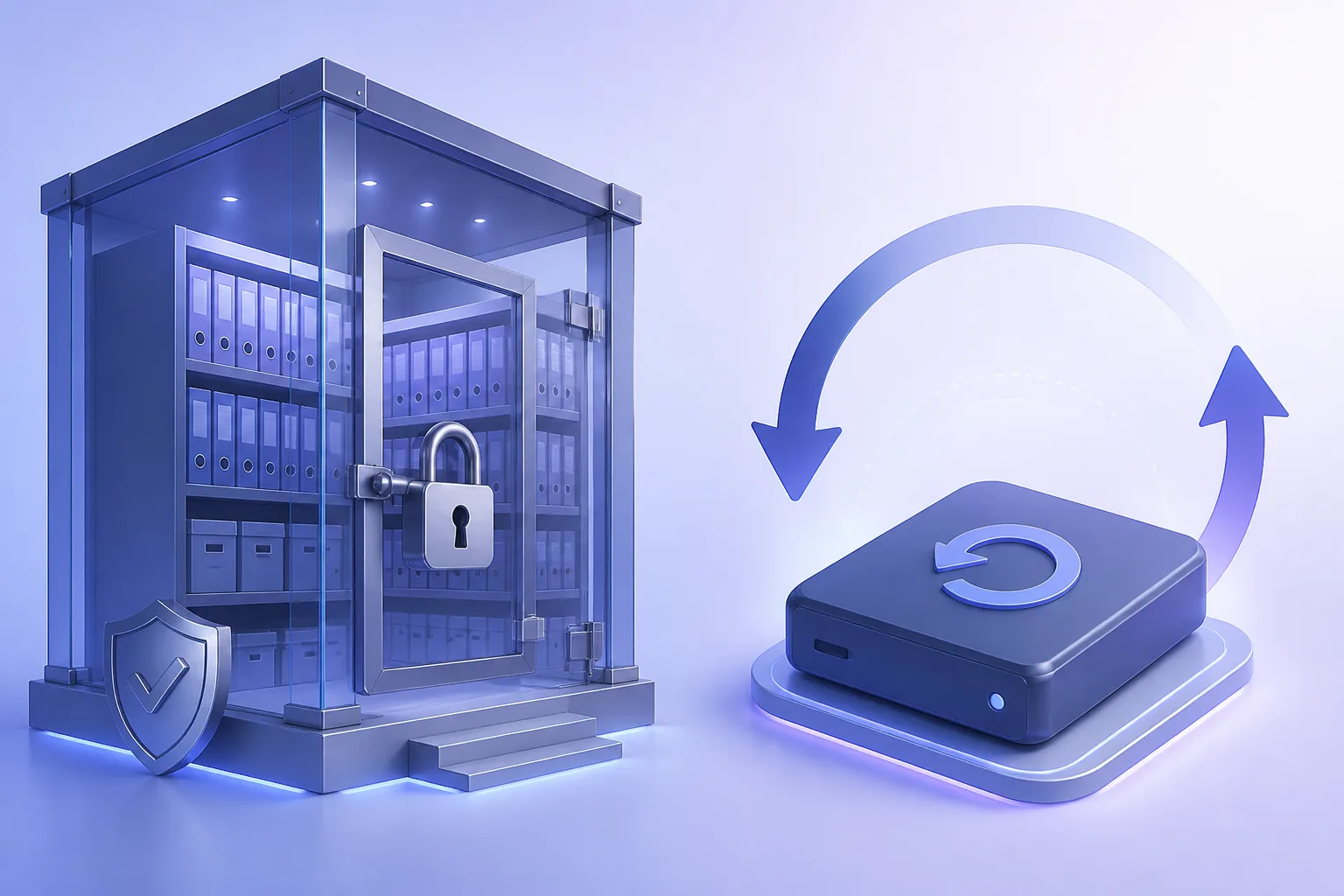
Microsoft 365 Retention Is Not a Backup: A Clear Guide for IT
Retention labels, Litigation Hold, and the Recycle Bin reduce some risk — they do not replace an independent mailbox backup with a restore you can rehearse.


- Retention answers “must we keep this?” Backup answers “can we put it back?”
- Recycle Bin and hold policies expire or can be misconfigured by another admin.
- Ransomware and compromised admin accounts can outrun native recovery windows.
- Write RPO/RTO per workload, then pick tools that actually meet those numbers.
Native Microsoft 365 protections — use them, don’t confuse them
Microsoft 365 includes Recycle Bins, retention labels, retention policies, and legal/in-place holds. These features are valuable. They are governance and recovery assists inside the same tenant, not a second copy on infrastructure you operate.
A plain-language map
Import PST to Office 365
Migrate PST archives into Microsoft 365 with audit-ready controls.
Learn more| Capability | Good for | Weak for |
|---|---|---|
| Deleted items / Recycle Bin | Oops deletes, short window | Expired windows, bulk purge |
| Retention labels/policies | Keep records for N years | Fast user-facing restore |
| Litigation / eDiscovery hold | Legal preservation | Everyday IT restore SLAs |
| Independent backup | Operational restore, extra copy | Not a substitute for a legal hold program |
Incidents native tools often miss
- Admin or scripted hard-delete after the retention window
- Compromised global admin who tampers with holds
- Need to restore last Tuesday’s mailbox state while the tenant is still in flux
- Migration leftovers you want offline after cutover
Write objectives before you buy anything
Example: “Finance mailboxes: 4-hour RTO, 24-hour RPO, restore to a live mailbox.” If the only plan is “we have retention,” you have not met that sentence. If the plan is “nightly backup plus a quarterly restore drill,” you have.
Recommended split of duties
- Keep Microsoft retention and holds for compliance
- Keep an independent mailbox backup you control
- Document who runs legal export versus who runs IT restore
- Rehearse both paths
For a broader protection model, read Office 365 data protection strategies. To back up mailboxes you already migrated, see Office 365 Email Backup.
Recommended next step
See Office 365 Email Backup
Reliable mailbox backup and recovery for Microsoft 365 environments.