Google Workspace Backup: Local Desktop Licenses vs Monthly SaaS Vaults
Compare the true cost of backing up Gmail, Drive, Calendar, and Contacts with recurring per-user SaaS vaults versus a one-time local Google Workspace backup license.

- SaaS vault pricing often looks small per user until you multiply by headcount and years.
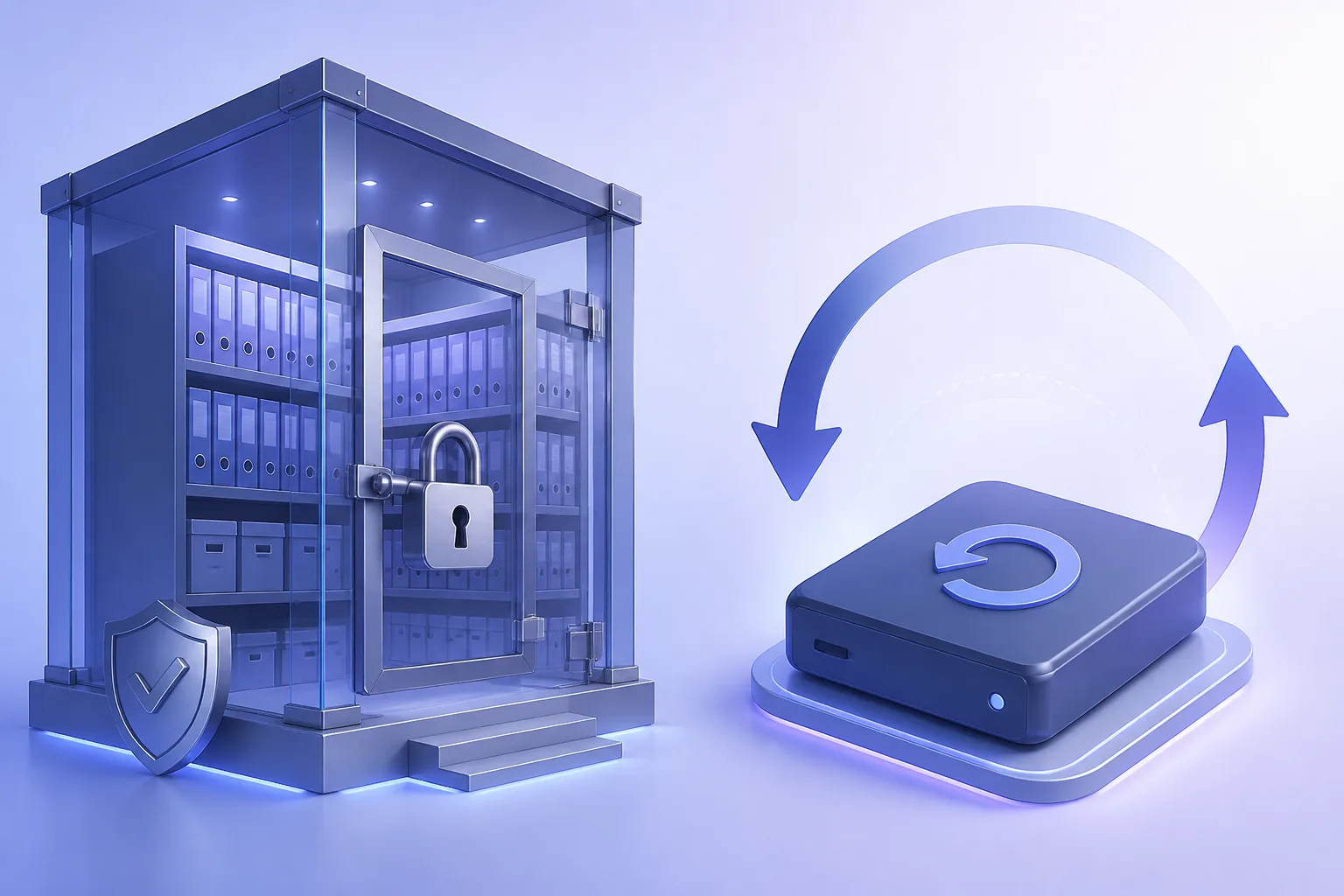
- Local Workspace backup trades managed hosting for ownership, predictable licensing, and offline copies.
- Match the tool to risk: regulated multi-site estates may still want offsite vaults; many SMBs do not.
- Backup scope should include mail + Drive + Calendar + Contacts — not only one workload.
The Workspace backup question every IT lead eventually asks
Google Workspace keeps your organization productive. It does not automatically mean you can restore last Tuesday’s mailbox or Shared Drive after a bad automation, insider delete, or ransomware event on connected endpoints.
So the market filled with hosted SaaS backup vaults — convenient, metered monthly, and easy to forget on the invoice. The alternative is a local or self-hosted backup license that writes to storage you already own.
What you are really buying
Download Google Drive Backup — Free
Local Google Drive backup for Windows. No subscription required.
Learn moreSaaS vault subscriptions
- Offsite copies managed by a vendor
- Web consoles and often turnkey admin UX
- Recurring cost that scales linearly with users
- Dependency on yet another cloud tenant and contract
Local desktop / server licenses
- Data lands on NAS, SAN, or encrypted disks you control
- One-time or low fixed pricing instead of perpetual seats
- You own hardware, monitoring, and offsite copies (if any)
- Strong fit for SMBs and cost-sensitive multi-year plans
A simple 3-year cost sketch
Imagine 50 users. A vault at roughly $3–4 per user per month is about $1,800–$2,400 per year — $5,400–$7,200 over three years — before storage overages. A capable local Workspace backup license that starts in the low tens of dollars for small tiers (and scales with mailboxes) can be a fraction of that if you already have disk capacity.
Re-run the math with your headcount. The crossover point arrives faster than most finance teams expect.
Capability checklist (use this in vendor evaluations)
- Domain-wide authorization (admin-led) vs per-user consent only
- Gmail (labels, attachments), Drive (My Drive + Shared Drives), Calendar, Contacts
- Scheduling, throttling awareness, and resume-after-failure
- Item-level or mailbox-level restore documentation
- Export formats your legal team accepts
- Clear data residency: where do copies live?
Decision guide
Choose a SaaS vault if you have zero appetite to manage storage, need multi-region vendor SLAs in writing, or lack anyone who can watch backup jobs.
Choose local licensing if you want predictable spend, offline copies, and control — especially for small and mid-size Workspace tenants.
CeleroSoft’s Google Workspace Backup is built for that second path: practical domain backup without locking you into another forever subscription.
Related reading from Google
Recommended next step
Explore Google Workspace Backup
Domain-wide Gmail, Drive, Calendar & Contacts backup — plans from $19.